
How to Get a Birth Certificate Online: Step-by-Step Guide
The Kenyan government has digitized the process for applying for a birth certificate, making it faster and more convenient. You can now apply, receive approval, and print the birth certificate online without visiting a civil registration office.
New changes to digitize the process have made it simpler and faster, allowing you to apply, get approval, and print the certificate at the cyber level without having to wait or visit.
In the past, you had to apply at a cybercafe, pay eCitizen charges, and then wait a while to go pick up the certificate at a physical government office.
When testing the birth certificate application process in July 2026, we noticed that the payment through the M-Pesa prompt system reflected immediately. Additionally, the birth certificate became available for download after approximately 10 to 13 minutes.
However, my clients with missing birth notification numbers experienced delays because the application could not proceed without it. They had to visit their local chief’s office, a civil registration office, or a Huduma Center in person to be vetted for the certificate.
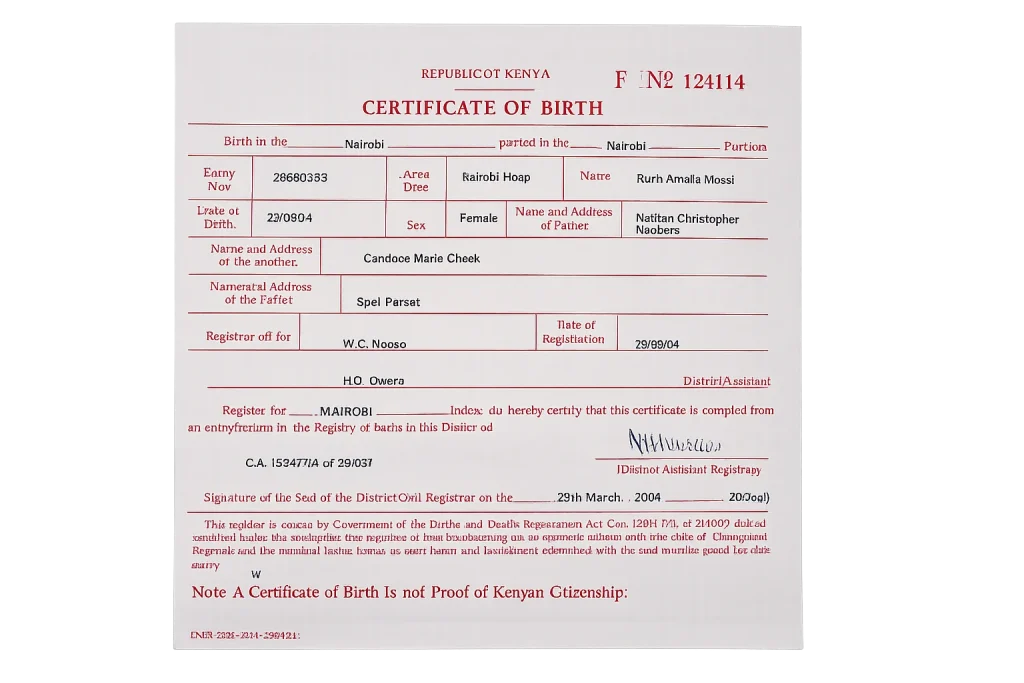
How to Obtain a Birth Certificate Online with eCitizen
First you need to have an eCitizen account to access the CRS (Civil Registration Department). If you do not have an eCitizen account, please click on the link or send us a message, and we will assist you.
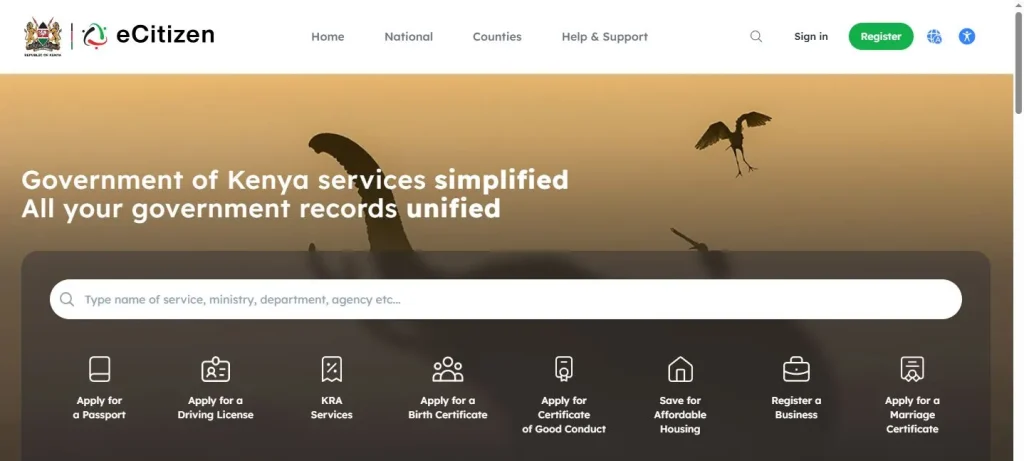
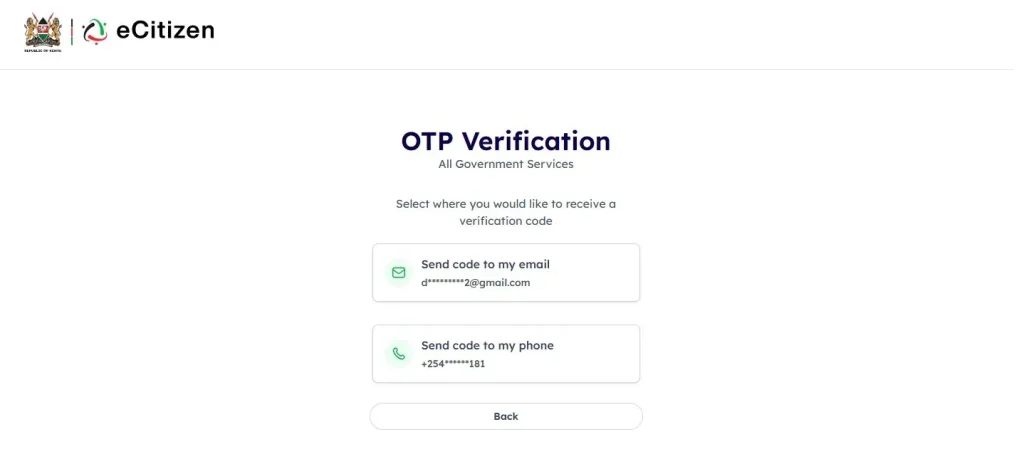
Step 1: Enter your registered details on the eCitizen platform. A code will be sent to your registered number to confirm it is you. Enter the code on the portal too.
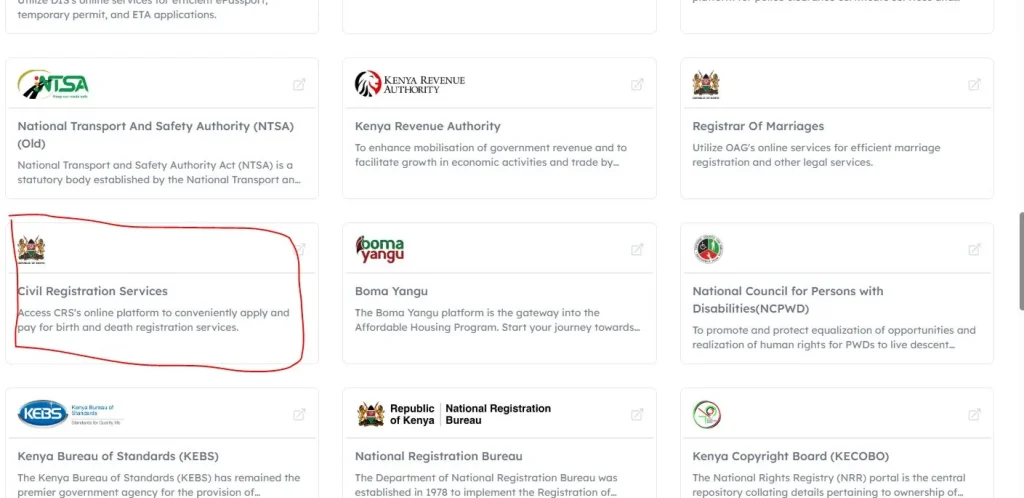
Step 2: Once you log in, scroll down and choose the Civil Registration Department service. It will prompt you to log in again, choose “login with eCitizen,” and hit “proceed.”
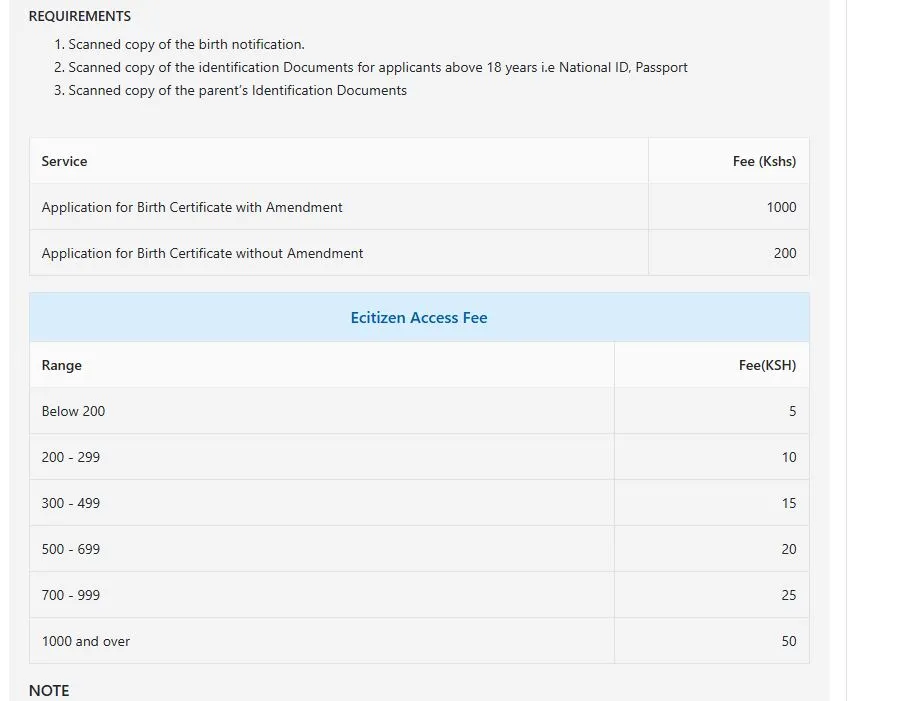
Step 3: You have 2 options depending on whether the birth took place within or outside Nairobi. Choose either birth within Nairobi or outside Nairobi County. The instructions and charges menu appears. Hit next.
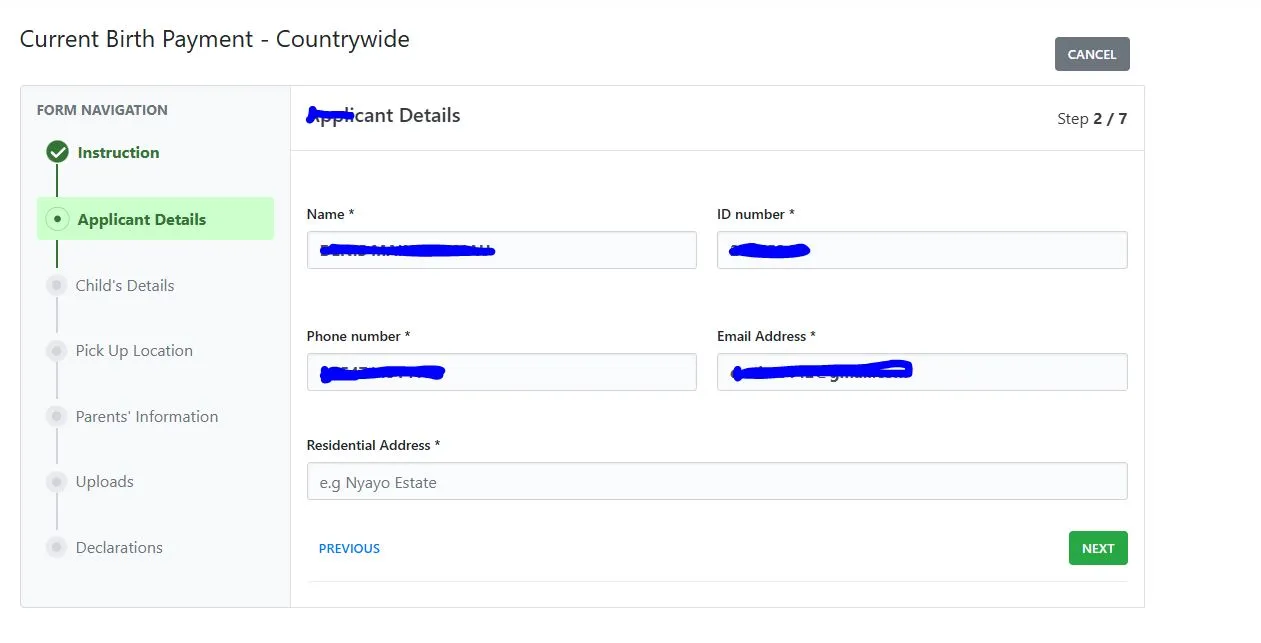
Step 4: Fill in your details under the applicants’ details section. Hit next.
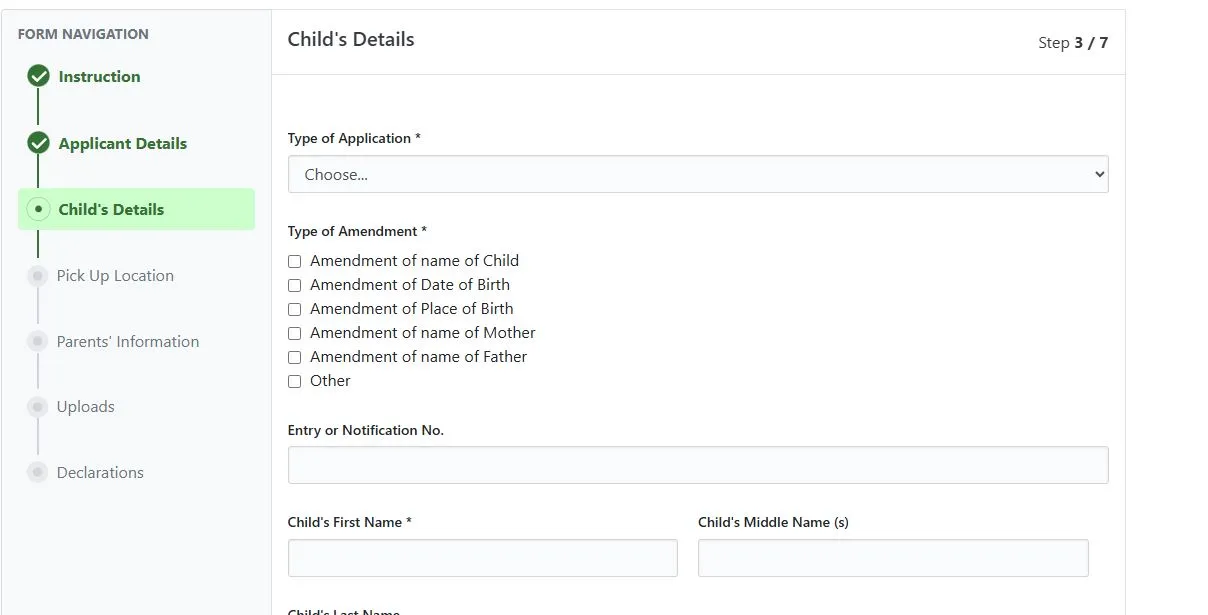
Step 5: Enter child details. Fill in details accordingly. Be very careful because in case you make errors, changing the details in the future is not easy. Upload the necessary supporting documents.
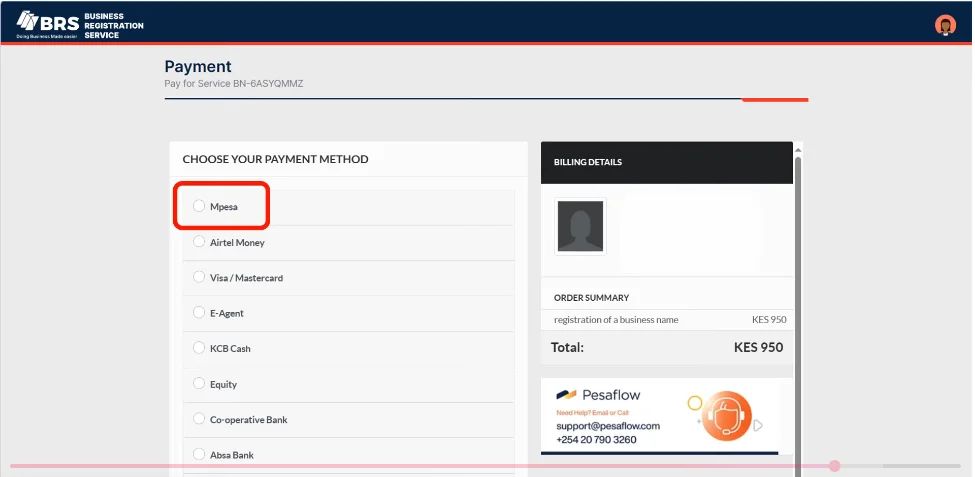
Step 6: You will be prompted to make eCitizen payments through an M-Pesa prompt or your preferred payment method. Submit the application and pay the required processing fee online, where applicable. If you are applying for the first time with no amendments, it will cost KSH. 200. For those applying with amendments, eCitizen charges you Ksh. 1000/-.
Step 7: Once you pay, wait for the system and relevant authorities to verify and approve your application.
Step 8: Currently, approval happens in a few minutes. Once approved, you can download the birth certificate on the eCitizen account.
Step 9: We recommend printing and laminating the birth certificate for durability. Lamination will cost only 50 but will help protect your documents.
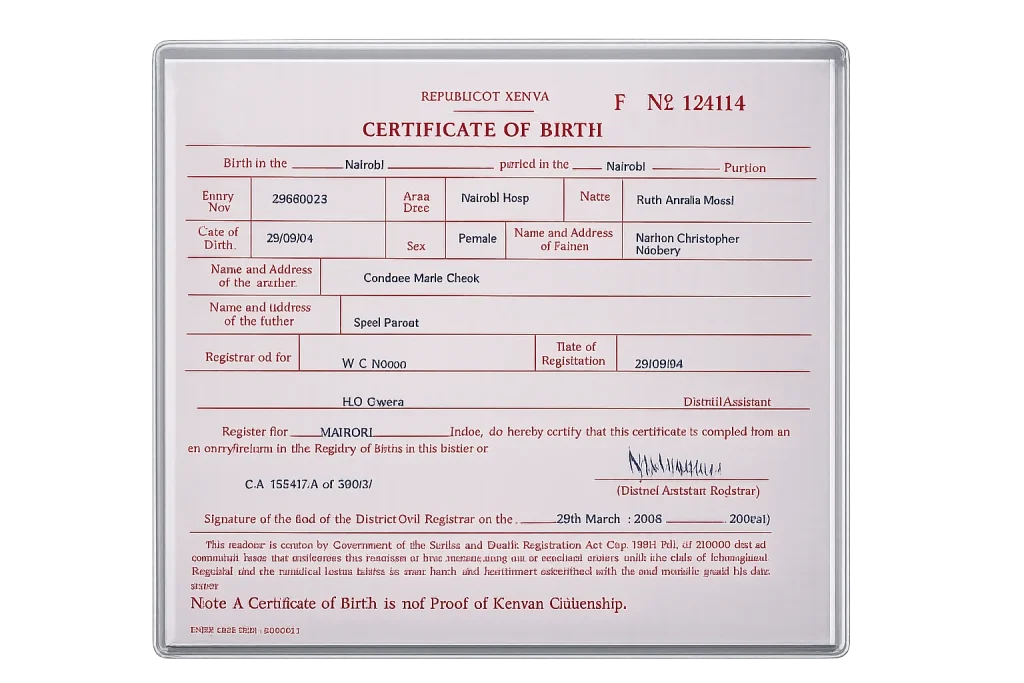
Birth Certificate Application Requirements in Kenya
Before you start the birth certificate application process, make sure you have the below information and items.
- You need an eCitizen account.
- Birth notification slip or number. This will be provided by the hospital where the child was born.
- Make sure you have both parents’ original national ID cards or passports.
- You need to have the child’s birth details, such as mother’s maiden name, date, and place of birth.
- If the child was born in a hospital, you must have a clinic/ANC card. In case the child was not born in a hospital, you will need to visit a hospital and get the card. A chief’s letter can also work in this case.
Common Errors when Applying for Birth Certificate
- Lack of birth notification for children born at home.
- Payment successful on eCitizen but application still shows unpaid. Wait for 15–30 minutes, then refresh your account. If it still does not show, contact support.
- Birth notification number not found. Contact the hospital where the birth was registered.
- Birth certificate application rejected. Check uploaded documents for clarity and ensure all names match official records.
- Unable to download certificate. Clear browser cache or log in from another device.
Conclusion
The birth certificate application process is now very simple. Make sure to compile all the required things and accurate information before starting on eCitizen. Proper preparation and data accuracy will help avoid errors and application issues.
You need your birth certificate as an identification document all your life, only replaced by a death certificate after you die. It is important for important processes like passport application, national school exam registration, or ID application.
Related Posts
- Using Withholding Tax Certificate to File Returns
- Using 9 Form to File Returns
- File Nil Returns in Kenya
- Add a Dependant to SHA profile
Frequently Asked Questions
How much does it cost to register a birth certificate in Kenya?
A first-time birth certificate application costs KSh 200. If you are applying for amendments or corrections, the fee is KSh 1,000, payable through eCitizen.
How long does it take to receive the birth certificate?
Once you submit your application and payment, approval is typically completed within a few minutes. After approval, you can download and print your birth certificate directly from your eCitizen account.
Can I print my birth certificate online after approval?
Yes. After your application is approved, you can download and print the birth certificate online without visiting a civil registration office. You can also access and reprint it later using your child’s Unique Personal Identifier (UPI).
What is a birth notification?
A birth notification is issued by the hospital immediately after birth and contains the notification number required during the online birth certificate application.
How can you get a birth certificate without a birth notification?
If you do not have a birth notification and need a birth certificate, you can visit your local chief’s office, a civil registration office, or a Huduma Centre in person.