
How to Apply for a Kenyan Passport Online: A Quick Step-by-Step Guide
If you have all the required documents, applying for a Kenyan passport online is not very complicated. In this post, I will explain the steps to follow whether you are applying for the first time or applying to renew your passport.
After helping many people with the process, I am well aware of most of the problems you can encounter during the process and have methods in place on how to overcome them.
What You Will Learn
- Passport application requirements.
- Types of Kenyan passports.
- How to apply through eCitizen.
- Documents you need to upload.
- Common mistakes to avoid.
- What happens after submission.
Requirements Before Starting
- eCitizen Account
- National ID
- Birth Certificate
- 3 Passport photos
- Signature
- Parents’ IDs
- Marriage certificate (if applicable)
- Phone number
- Email address
Categories and Types of Passports in Kenya
There are different categories of your passport depending on its status. You can apply as a first-time applicant if you have never had a passport before.
If you have one but it is lost or mutilated, you need to apply for a replacement passport. You can apply either of these categories for yourself or your child.
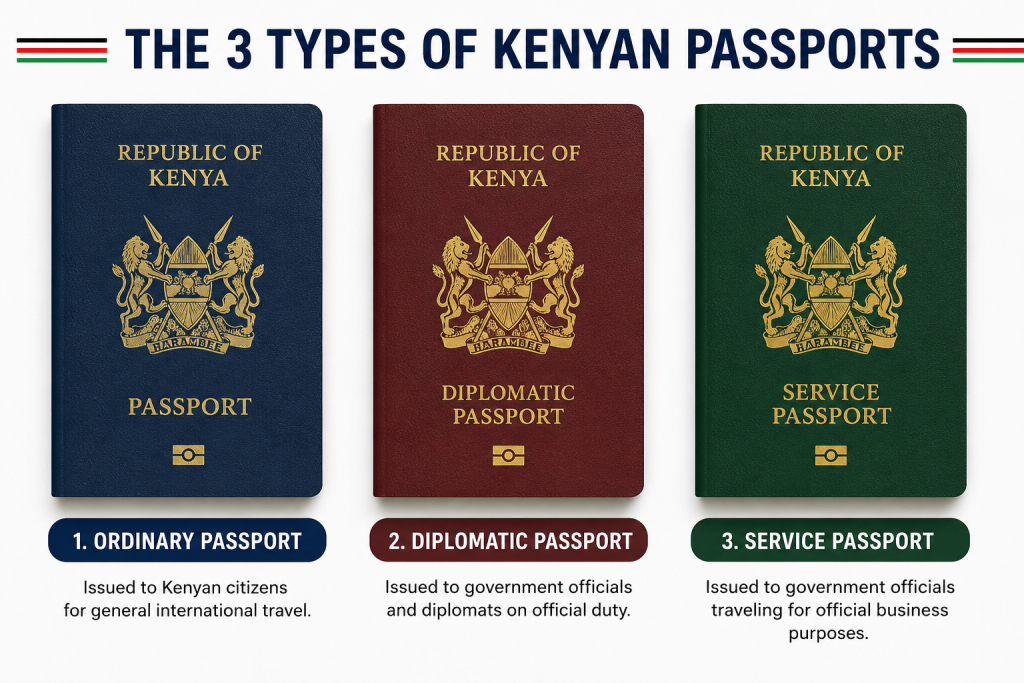
As a member of the international community, Kenya issues 4 main types of passports in compliance with international (ICAO) and East African Community (EAC) standards. You can either get an ordinary passport, a diplomatic passport, or a service passport.
Ordinary passports are dark blue in color. They are issued to regular citizens for personal travel, tourism, and business. They are the most basic type of passport.
Diplomatic passports are red in color. They are reserved and issued to top government officials, diplomats, senior government officials, or specific dignitaries.
Service passports are green in color. They are considered official passports since they are reserved for specific government employees on official duty.
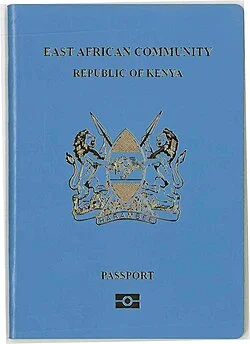
East African (EAC) Passport—This type of passport is available for regional travel across East Africa. It is usually used alongside temporary permits.
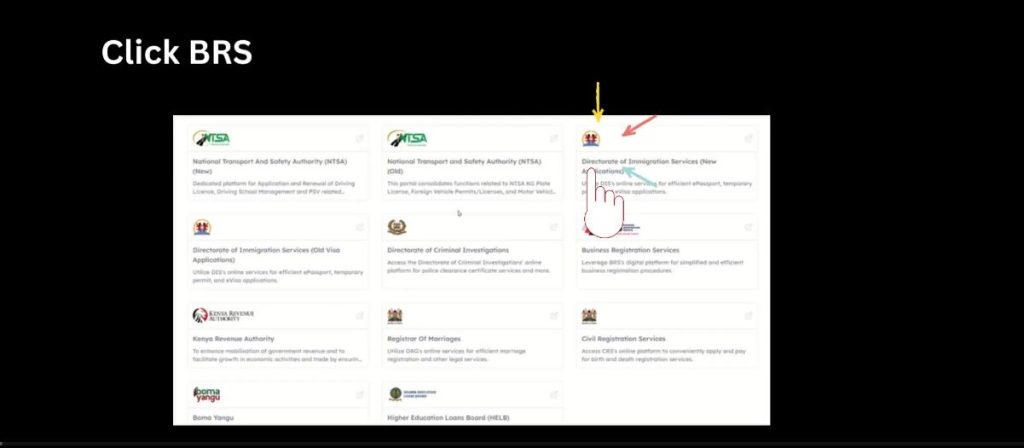
All these can be applied through the Department of Immigration and Citizen Services with the help of the eCitizen portal.
Common Problems you can Encounter when applying
- Uploading unclear or illegible documents—to solve this, scan the documents instead of taking a photo.
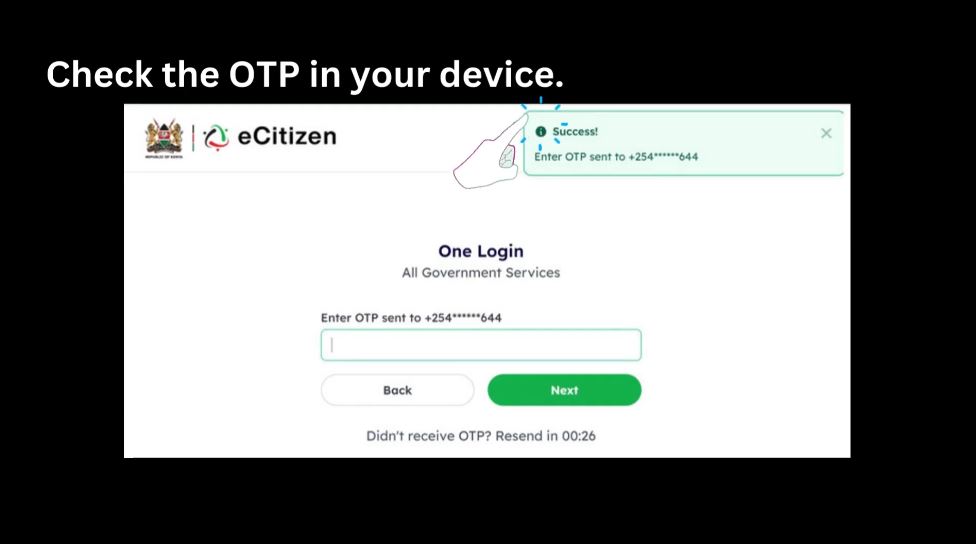
- eCitizen OTP login failure—make sure you have the original number you registered on eCitizen with.
- Sharing incorrect or incomplete information.
- Wrong passport photo or lack of one signed photo.
- Mismatched names across the documents.
Steps to Follow when Applying for A Passport
Follow these steps to complete your Kenyan passport application through the eCitizen portal.
Step 1: Select the application category and choose whether you are applying for yourself or your child, then proceed to the passport application instructions.
Step 2: Read the application instructions and review the passport requirements, fees, and application guidelines before continuing.
Step 3: Choose Your Passport Type Indicate whether you hold dual citizenship and provide the required details if applicable. Select your passport type, such as Ordinary Passport or Diplomatic Passport.
Step 4: Select the Application Type Choose the reason for your application, such as First-time application, Passport replacement, Lost passport, mutilated passport, Change of particulars Select the available passport page option and indicate whether your parent or spouse holds a Kenyan passport.
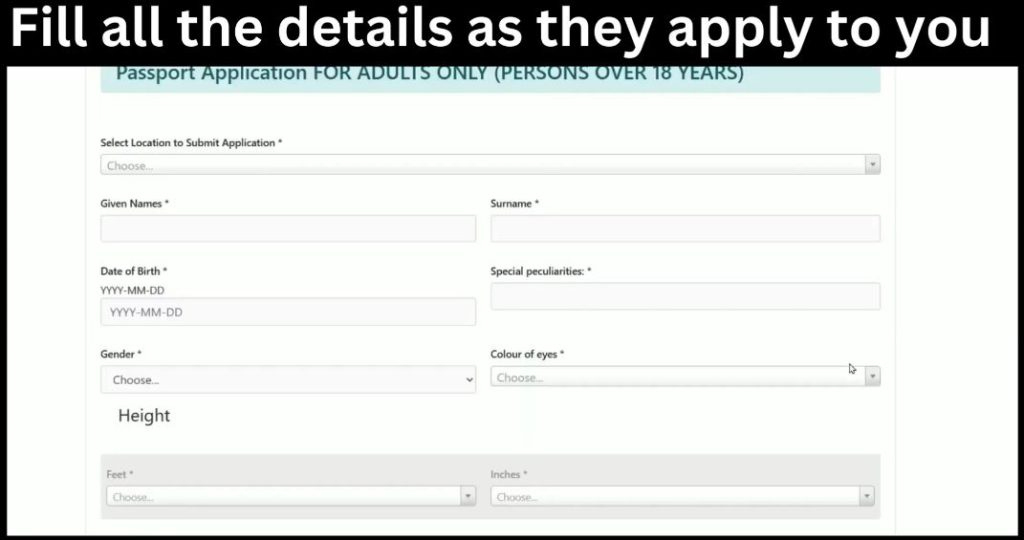
Step 5. Enter your personal details. Enter your personal details exactly as they appear on your official documents. Your full name; date and place of birth; sex; nationality; county of birth; occupation; marital status; and any physical characteristics needed, e.g., your height. Go through all the details to ensure they are correct and error-free before you continue. If you are married, widowed, separated, or divorced, provide the additional information requested.
Step 6: Enter your phone number, email address, postal address, and residential address.
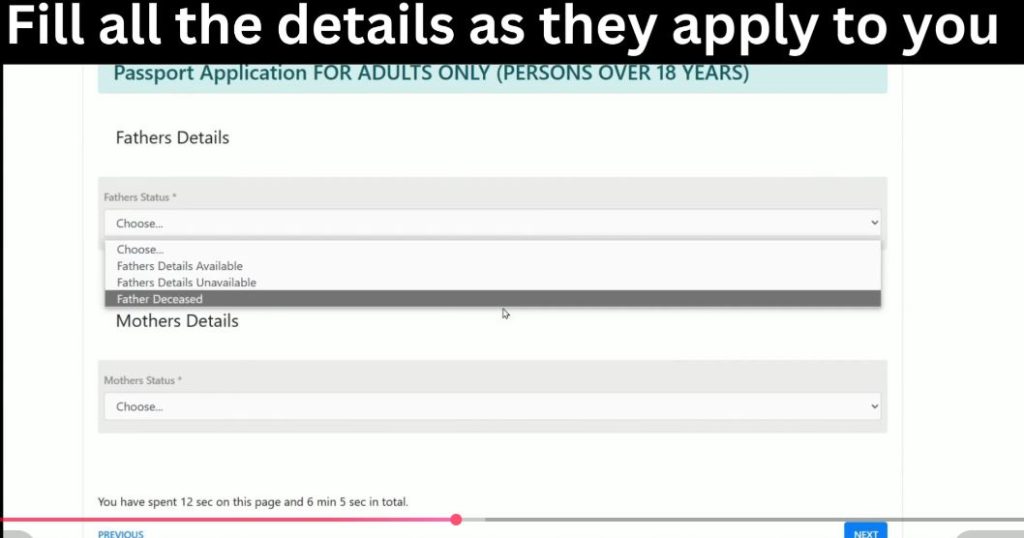
Step 7: Enter Your Parents’ Details Provide your father’s and mother’s information. If either parent is deceased or their details are unavailable, select the appropriate option and provide the requested information.
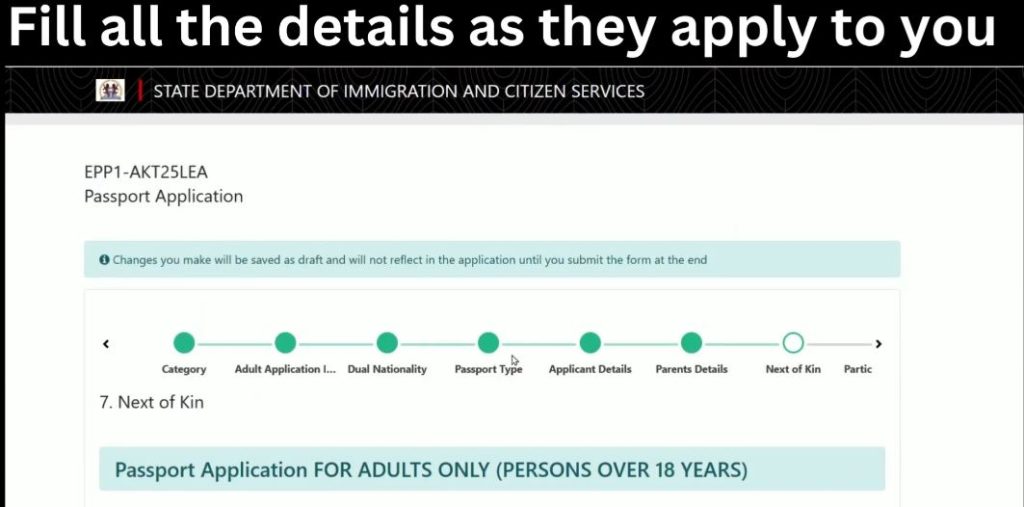
Step 8: Add Your Next of Kin Enter the details of your next of kin, including full name, National ID number, phone number, postal address, and relationship. Ensure the information matches their official identification.
Step 9: Add Your Children’s Details (If Applicable) If you have children provide their full names, Date of birth, Gender, Place of birth and Relationship (biological or adopted)
Step 10: Upload clear scanned copies of the required documents, including your passport-size photo, signature, front and back of your National ID, birth certificate, parents’ ID copies, and marriage certificate (if applicable). The required documents may vary depending on your application details.
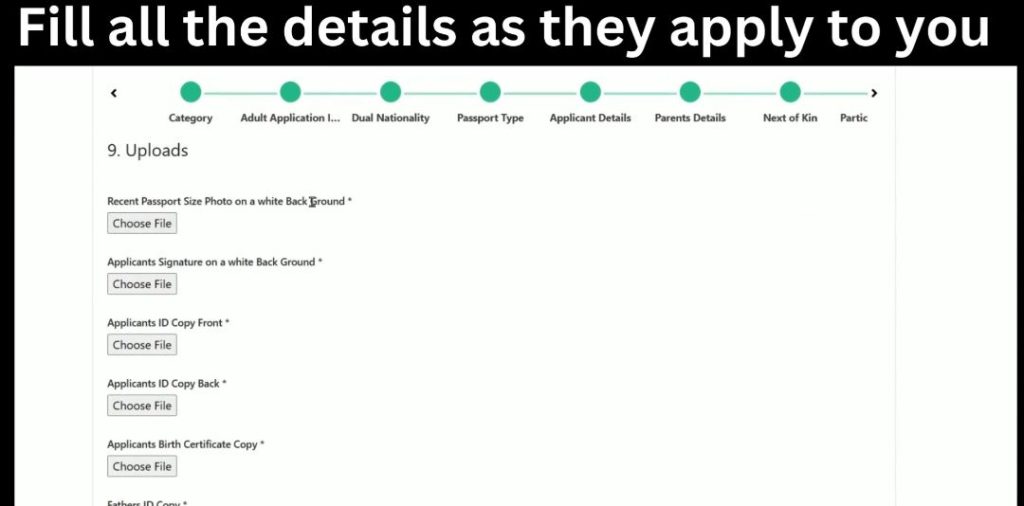
Step 11: Review Your Application Carefully review all the information you have entered and confirm that your uploaded documents are clear and accurate. Edit any incorrect information before proceeding.
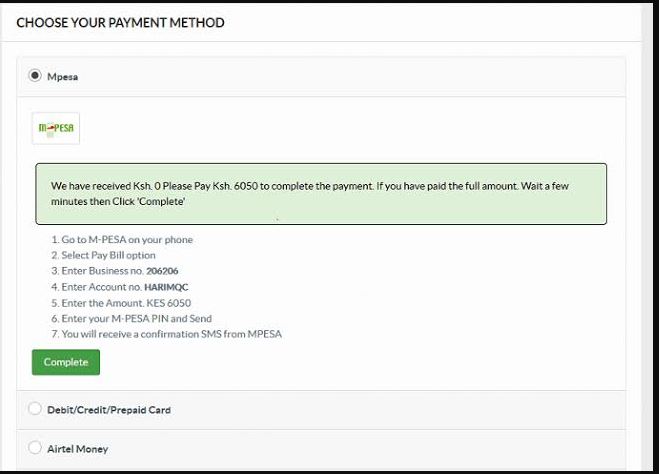
Step 12: Submit Your Passport Application Submit your application online and proceed to pay the applicable passport fee. Choose a payment method to make payments for your passport. You will be prompted to enter your MPesa PIN.
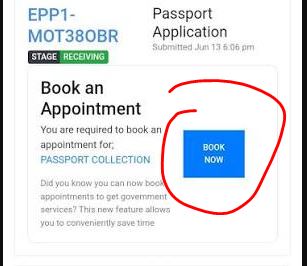
Step 13: After payment, go back to your list of applications, and you will notice a new book appointment button. Click on it and set the date for your appointment. Go back to the receipt, and the date you chose will be added on the receipt.
On the appointment date, visit your selected immigration office for biometric capture with your original documents, application invoice, and booking receipt.
Conclusion
Applying for a Kenyan passport online through the eCitizen portal is a straightforward process when you have all the required documents and follow each step carefully.
Ensure that the information you provide matches your official documents, upload clear scanned copies, and attend your biometric appointment with all the original documents.
Taking your time to review your application before submission can help you avoid delays or rejection. If you encounter any challenges during the application process, you can seek assistance from your nearest immigration office or a reputable cyber café experienced in eCitizen services.
Frequently Asked Questions
How much does a Kenyan passport cost?
The current eCitizen fees for a new ordinary Kenyan passport with 34 pages (A Series) cost KSh 7,550 + cyber charges, if any, usually Ksh 200. For a 50-page or B series, you will pay KSh 9,550 and KSh 12,050 for a 66-page or C series. If you are replacing a lost or damaged passport, you will pay KSh 20,050. Fees are paid online through the eCitizen portal.
Can I apply without a birth certificate?
No, for a first-time passport application, you must have an original and a copy of your birth certificate. If you have lost your birth certificate, first apply for a replacement before starting the passport application process.
Can I change my appointment?
Yes. If you are unable to attend your scheduled appointment or discover that you are missing required documents, you can reschedule your appointment to the next available date through the eCitizen system or seek assistance at the customer care desk at your passport application center.
Can I track my passport?
Yes. You can track your passport application by logging into your eCitizen account. You will also receive progress updates via SMS and email as your application is processed.
How long does processing take?
For first-time applications, the process takes around 10 working days after document submission and completing biometrics. Processing may sometimes take longer if there is a high application volume or if additional information is required.